
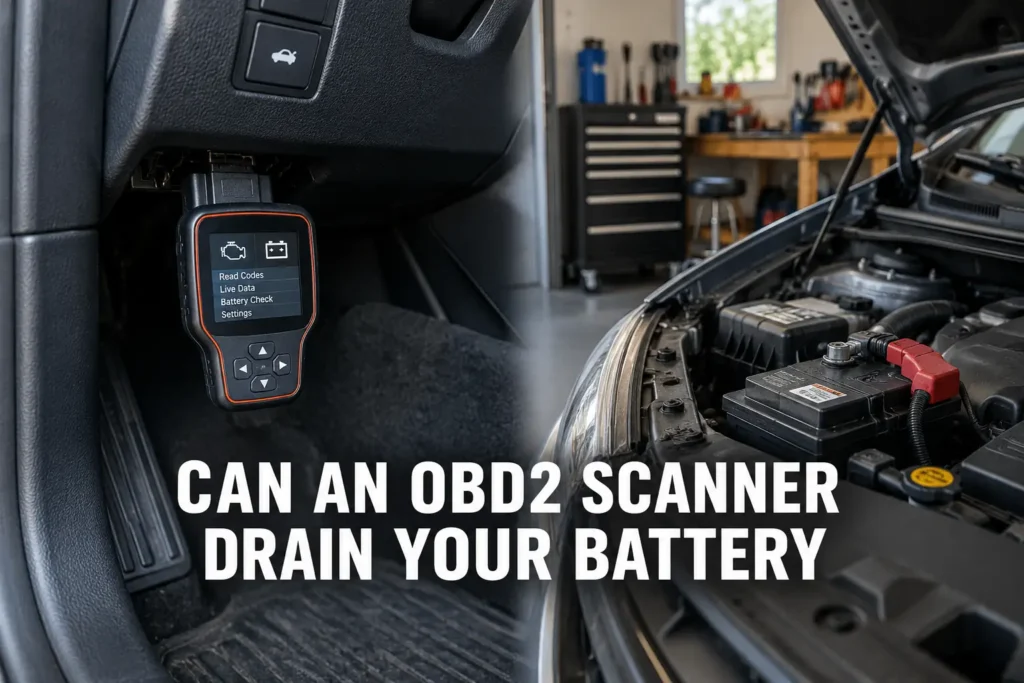
Whether an OBD2 scanner can drain a car battery depends entirely on which type of tool is in the port. A handheld wired scanner connected for a diagnostic session and then unplugged draws zero power after disconnection. It poses no drain risk at all. The question applies specifically to Bluetooth and Wi-Fi adapters designed to stay plugged in permanently between drives. Within that category, the bigger threat is not the adapter’s own power draw. It is whether the adapter keeps the vehicle’s CAN bus awake after shutdown, which turns a manageable 50 milliamp draw into a 300 to 500 milliamp drain that can flatten a battery in hours rather than days. Silverado owners evaluating which OBD2 adapters are safe to leave in the port can find compatible options in my OBD2 scanner guide for the Chevy Silverado.

About the author: Hello! I’m Kamil Siegień, founder of OBD2 Scout. My diagnostic experience started with an engine rebuild on a 2014 Skoda Superb 1.8 TSI, where tuning from 160 to 222 hp required mastering live data and ECU behavior that basic code readers cannot handle. I am a former BMW and MINI employee and regularly use diagnostic scanners on my own Audi A4 2.0 TFSI.
This guide covers the difference between handheld and always-connected adapters, how the OBD2 port is powered, why the CAN bus awake problem is the real drain risk, how long a battery actually lasts under each scenario, what sleep mode does, and how to test whether any of this applies to a specific vehicle.
My can bus obd2 diagnostics explained covers this step by step.
Handheld Scanners vs. Always-Connected Adapters: Two Different Risk Profiles
A wired handheld OBD2 scanner draws power from the OBD2 port only while physically connected. When the cable is unplugged, the draw is zero. There is no residual current, no standby mode, and no wireless radio drawing power in the background. Plugging in a handheld scanner to read a code and then unplugging it does not affect the battery in any meaningful way during normal diagnostic use. My guide on how to use an OBD2 scanner covers the complete diagnostic session from the initial connection through reading codes, freeze frame, and live data, with zero ongoing draw after unplugging.
The drain question applies entirely to Bluetooth and Wi-Fi OBD2 adapters that are designed to stay in the port while the vehicle is parked. These devices are marketed for trip logging, insurance telematics, fleet tracking, and continuous monitoring applications where the adapter needs to be present between drives. They draw power from the port continuously and broadcast wirelessly at the same time. EV owners who use a Bluetooth ELM327 adapter with a platform-specific battery monitoring app fall into this always-connected category: my guide on does OBD2 work on electric cars covers the app and adapter combinations that work for each EV platform.
Before evaluating drain risk, the first question is always: is this device being left plugged in when the car is parked? If the answer is no, the drain question does not apply. If the answer is yes, the rest of this guide matters directly.
How the OBD2 Port Is Powered: Pin 16 and the Always-Hot Question
Pin 16 on the 16-pin OBD2 connector is designated battery voltage on all OBD2-compliant vehicles. It is specified as a direct connection to the 12V battery supply, accessible regardless of whether the ignition is on or off. This is intentional: the OBD2 standard requires the port to be powered when the ignition is off so a scanner can retrieve stored fault codes and access module data from a non-running vehicle.
What the standard does not mandate is that Pin 16 stays live at all times. Some manufacturers route Pin 16 through an ignition-switched relay that cuts power to the port whenever the ignition is turned off. On those vehicles, any adapter plugged into the OBD2 port draws zero power when the vehicle is parked, regardless of what the adapter’s sleep mode capability is or is not. The port is simply unpowered.
On vehicles where Pin 16 is truly always hot (directly wired to the battery with no switching relay), the adapter draws from the battery continuously as long as it is plugged in.
The fastest way to find out which type a specific vehicle has requires a Bluetooth or Wi-Fi adapter with an LED indicator and five minutes. Plug the adapter in, turn the ignition off completely, remove the key from the ignition, and wait five minutes. If the adapter’s LED is still lit after five minutes, Pin 16 is always hot and the adapter is actively drawing from the battery. If the LED has gone dark, the port lost power and the adapter draws nothing while the car is parked. For vehicles with switched ports, drain risk from a permanently connected adapter is effectively zero. For vehicles with always-hot ports, everything that follows in this guide is directly relevant.
The Real Threat: Keeping the CAN Bus Awake
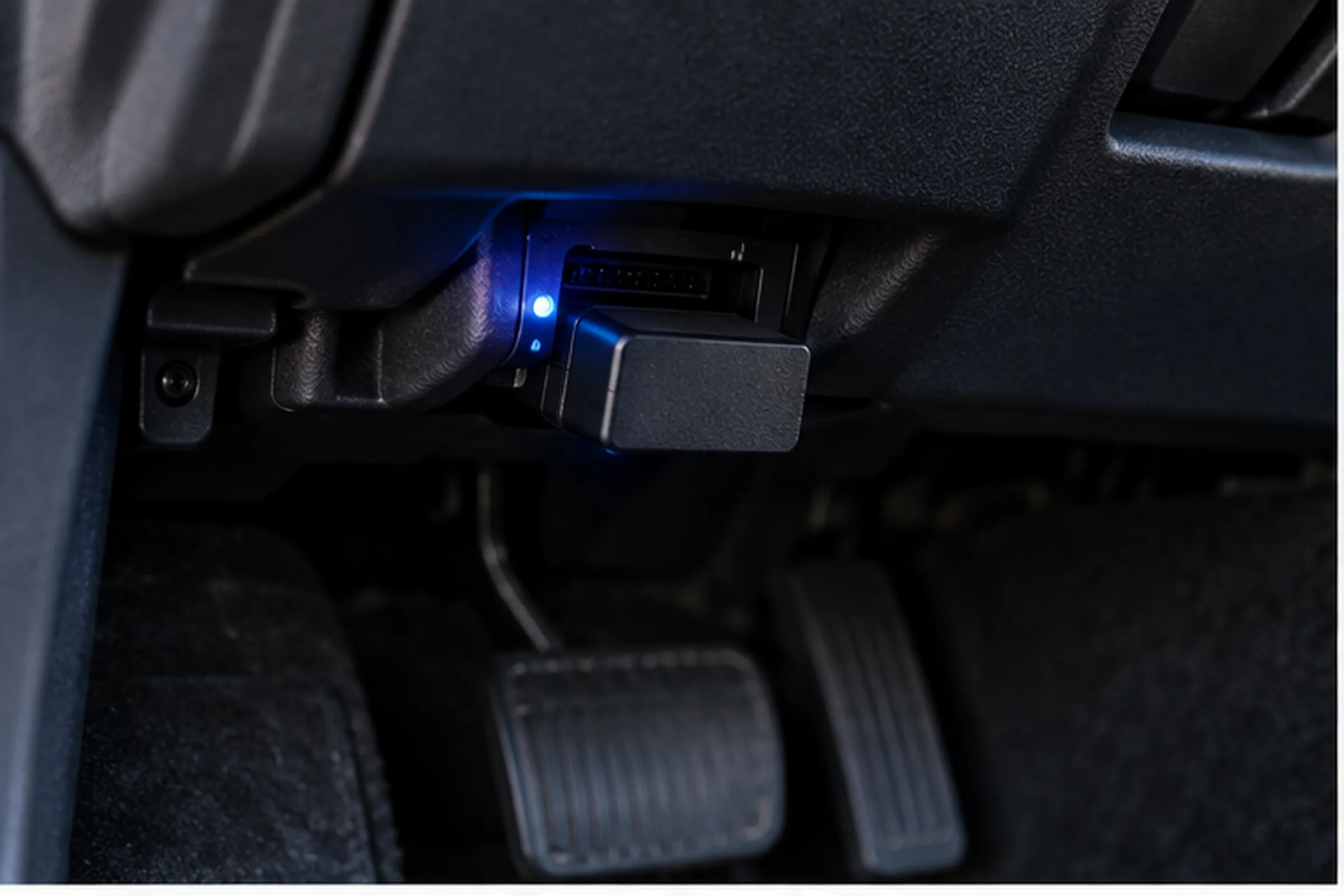
When a vehicle is parked with the ignition off, the electronic control units run a coordinated shutdown sequence. Modules that do not need to stay active during parking go through a sleep handshake on the CAN bus, confirm that nothing else needs their services, and enter a low-power state. The engine control module, the transmission control module, the climate control module, and most body modules all sleep. The modules that stay partially active are limited to those with a specific parking function: the body control module monitoring the door sensors, the alarm system, and the remote keyless entry receiver. The total parasitic draw of a properly sleeping modern vehicle is typically 25 to 50 milliamps.
A Bluetooth or Wi-Fi OBD2 adapter that continuously polls the CAN bus disrupts this process. Polling means the adapter sends periodic requests on the CAN bus looking for a response from vehicle modules. When those requests arrive on the bus, the modules that were preparing to sleep, or that have already entered a partial sleep state, recognize active traffic and remain awake to handle it. A module waiting for a bus to go quiet before completing its sleep sequence never gets the quiet it needs. My guide to OBD2 live data covers the parameter stream this bus polling accesses and why the communication protocol requires ECUs to stay responsive while data is being actively requested.
The result is that the adapter keeps the CAN bus active, and every ECU listening to the bus stays awake. On a modern vehicle with 40 or more electronic modules, the combined current draw of awake ECUs is not 50 milliamps. It is several hundred milliamps to over an amp. The adapter’s own consumption of 30 to 60 milliamps is almost irrelevant next to the cascade it triggered.
This is the scenario that produces overnight battery drain and no-start conditions the next morning. The driver assumes the battery is failing. The battery is often fine. The adapter prevented the vehicle from sleeping. When the resulting no-start leads to a shop visit, my guide to car diagnostics costs covers what the diagnostic appointment runs and how to use the adapter’s history to arrive informed.
The Numbers: How Long Until the Battery Dies
Turning the drain problem into concrete numbers makes the risk legible rather than vague. A healthy 60 ampere-hour car battery holds roughly 720 watt-hours of usable energy. Battery voltage drops gradually as the charge depletes. A battery that falls below approximately 12.0 volts is in the danger zone for starting ability. That threshold is what the calculations below use as the endpoint. For a professional-grade scanner with full sleep mode implementation and deep module access, my guide to the professional-grade scanner options covers the tier that eliminates this drain risk entirely.
Normal parasitic draw without any adapter: 35 milliamps. A 60 Ah battery reaches critically low voltage in approximately 70 hours, roughly three days. This is normal and expected for any parked vehicle.
Budget ELM327 adapter (no sleep mode), adapter draw only: 25 to 60 milliamps on top of the vehicle’s base draw. Combined draw of approximately 60 to 95 milliamps. Time to critically low voltage: 25 to 40 hours, roughly one to two days. A car parked from Friday to Sunday may not start Monday morning in this scenario.
My elm327 and what can it do explained covers this step by step.
Budget adapter plus bus-awake ECUs: 300 milliamps combined draw is a conservative estimate. Time to critically low voltage: approximately 8 to 10 hours. A car parked at 8 pm with a bus-waking adapter may not start at 6 am.
Worst-case bus-awake scenario: 500 milliamps or more. Time to critically low voltage: 5 hours or less. This scenario is not hypothetical. Forum reports of overnight dead batteries with Bluetooth OBD2 adapters plugged in consistently describe this profile.
The adapter’s own draw is not the story. The bus-awake multiplier is the story.
Sleep Mode: What It Is and Which Adapters Have It
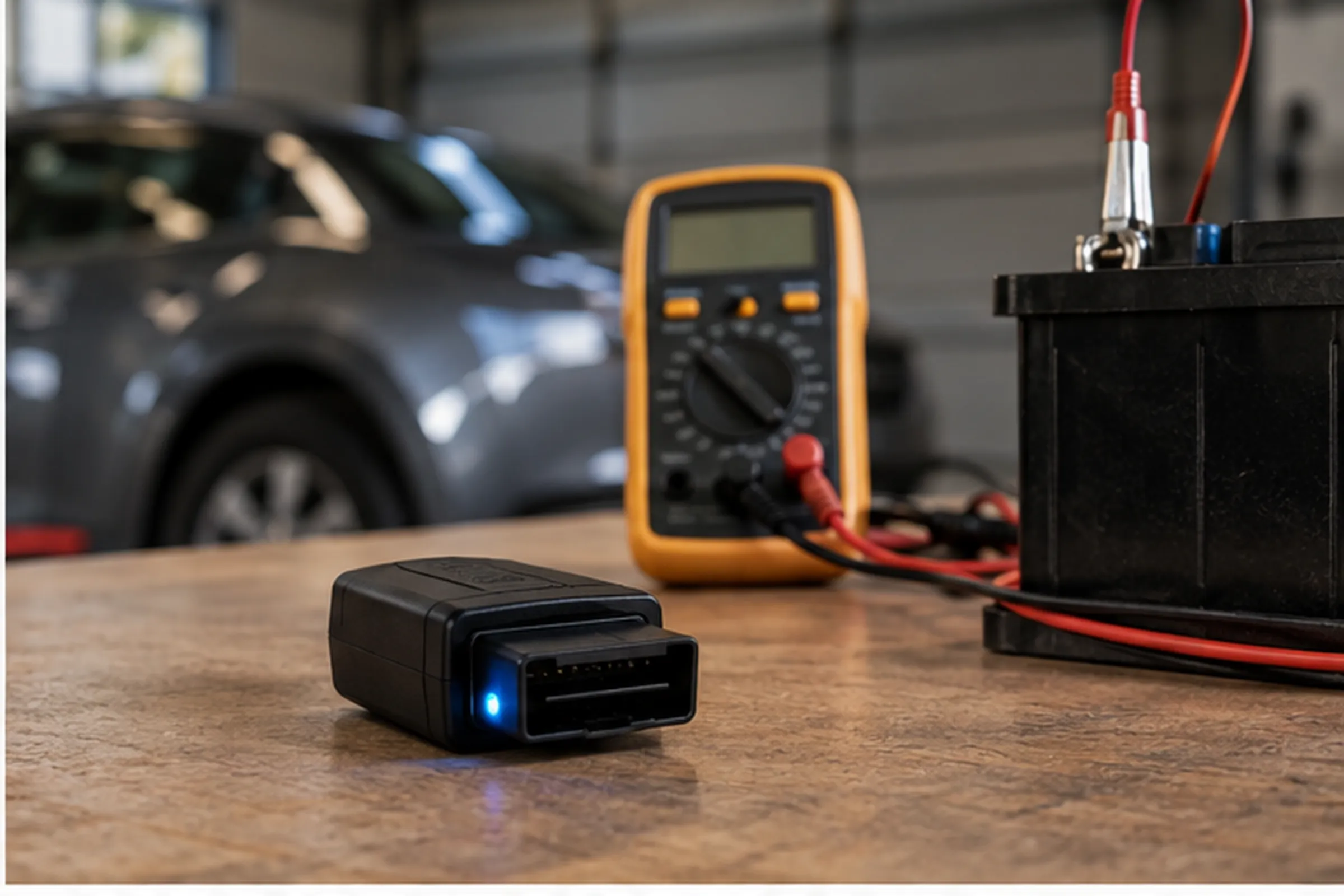
Sleep mode is a power management feature on quality Bluetooth OBD2 adapters that addresses both sides of the drain problem: the adapter’s own draw and its effect on the CAN bus.
When the vehicle shuts down, the CAN bus traffic quiets. A sleep-mode adapter detects this: when no messages appear on the bus for a set interval (typically 30 seconds to a few minutes), the adapter stops polling and reduces its own power consumption to standby levels. By stopping its bus polling, the adapter allows the vehicle’s ECUs to complete their sleep sequence normally. The total vehicle parasitic draw returns to the baseline 25 to 50 milliamps, with the adapter adding only 1 milliamp or less on top of that. For a mid-range Bluetooth scanner that reaches ABS and SRS module diagnostics with this level of sleep mode discipline, my guide to the multi-system scanner for ABS and SRS covers the options.
Budget ELM327 adapters, particularly the inexpensive clones sold without a brand name, do not implement sleep mode. They poll continuously at fixed intervals regardless of vehicle state. The bus never quiets while they are connected. My guide to the top budget scanner options covers the entry-level options that do implement proper sleep mode and pose no meaningful drain risk.
Measured real-world current draw figures for comparison:
- Budget clone adapters: 25 to 60 milliamps idle (no sleep mode, continuous polling)
- Mid-range adapters with partial sleep: 10 to 20 milliamps idle, partial reduction in polling
- Premium adapters (OBDLink MX+, BlueDriver): 3 to 12 milliamps idle, under 1 milliamp in sleep mode, polling ceases on vehicle shutdown
A premium adapter with proper sleep mode on a vehicle with an always-hot port adds negligible drain for a driver who uses the vehicle daily. The alternator more than compensates for under 1 milliamp of continuous standby draw. For a vehicle parked for a week, even a premium adapter in sleep mode on an always-hot port adds a small but non-zero load. The risk remains minimal compared to a budget adapter with no sleep mode. My BlueDriver Pro review covers the sleep mode implementation and real-world current draw for one of the most-used premium adapters in this category. My guide to Bluetooth OBD2 adapters with genuine sleep mode covers which adapters in the current market include this feature, what the standby current draw looks like across adapter tiers, and which are safe to leave permanently connected on always-hot ports.
How to Test Whether the Port Is Always Powered
The test requires only a Bluetooth or Wi-Fi OBD2 adapter that has an LED status indicator, which covers most consumer-grade adapters.
Plug the adapter into the OBD2 port. Start the vehicle and confirm the adapter connects normally. Turn the vehicle off, remove the key, and wait five full minutes without opening any doors or touching the vehicle. Check the adapter’s LED status light.
If the LED is still lit after five minutes, Pin 16 on this vehicle’s OBD2 port is always powered from the battery. The adapter is drawing current from the battery right now. Leaving it plugged in overnight poses drain risk proportional to the adapter’s sleep mode capability and polling behavior.
If the LED has gone dark, the port lost power when the ignition was turned off. The adapter draws nothing while the vehicle is parked. Drain risk from a permanently connected adapter on this vehicle is effectively zero regardless of sleep mode or adapter quality.
This test takes under ten minutes and gives a definitive answer for that specific vehicle. The same adapter may behave differently on two different vehicles of the same make and model year depending on trim level and how the electrical system was configured at the factory. Running this port power test during a pre-purchase visit adds useful context to the inspection: my guide to checking a used car with an OBD2 scanner covers the full sequence.
The Security Dimension of Always-Connected Adapters
Battery drain is not the only reason to think about a permanently plugged-in Bluetooth adapter. A Bluetooth OBD2 adapter that remains in the port is a continuously broadcasting wireless interface with access to the vehicle’s CAN bus. The CAN bus is the communication backbone for the vehicle’s safety-critical systems including braking, steering assist, and powertrain control.
NHTSA has published guidance noting the security implications of always-connected diagnostic interfaces. The practical risk to a specific vehicle depends on the adapter’s Bluetooth security implementation: whether it is discoverable by unpaired devices, whether it uses authenticated pairing, and whether it encrypts the diagnostic session. Budget adapters typically implement minimal security. A discoverable adapter with no authentication broadcasting from a parked vehicle in a public space presents an attack surface that does not exist when the adapter is unplugged. My Autel MK808BT Pro review covers a Bluetooth scanner in the mid-range tier that includes authenticated pairing alongside full ABS and SRS diagnostic reach.
Removing the adapter after each use eliminates both the drain risk and the wireless security exposure. It takes two seconds.
The Bottom Line
A handheld OBD2 scanner poses no battery drain risk once unplugged. For Bluetooth and Wi-Fi adapters left in the port permanently, the risk depends on three factors: whether the vehicle’s OBD2 port is always powered or ignition-switched, whether the adapter has a proper sleep mode that stops polling when the vehicle shuts down, and whether the adapter’s polling keeps the CAN bus awake after shutdown. My full review of the Autel MaxiSYS Elite II Pro covers the professional end of the Bluetooth scanner tier, where sleep mode implementation and diagnostic depth come together.
The adapter’s own current draw is manageable even without sleep mode. The bus-awake cascade is not. A budget adapter that keeps ECUs awake can drain a 60 Ah battery in under 10 hours. Run the five-minute port power test on any vehicle before deciding whether a permanently connected adapter is a practical risk. If the port is switched, no adapter poses meaningful drain risk. If the port is always hot, use a premium adapter with sleep mode or unplug after each use.
FAQs
Does a handheld OBD2 scanner drain the battery if I unplug it after use?
No. A wired handheld OBD2 scanner draws power from the OBD2 port only while physically connected. Once the cable is removed, the draw is zero. There is no standby mode, no wireless radio, and no background process consuming power after disconnection. Connecting a handheld scanner to read and clear codes and then unplugging it has no meaningful effect on battery state. The drain question only applies to Bluetooth and Wi-Fi adapters that are left plugged in while the vehicle is parked.
How much power does a Bluetooth OBD2 adapter use when the car is off?
It depends on the adapter’s quality and sleep mode capability. Budget ELM327 clone adapters with no sleep mode draw 25 to 60 milliamps continuously, even when no phone is connected and the vehicle is off. Mid-range adapters with partial sleep may draw 10 to 20 milliamps. Premium adapters with full sleep mode implementation (OBDLink MX+, BlueDriver) drop to under 1 milliamp once the CAN bus goes quiet. The more important figure is whether the adapter’s polling keeps the vehicle’s ECUs awake, because the combined draw of 40 or more awake modules dwarfs the adapter’s own consumption.
Can an OBD2 adapter cause my car not to start?
Yes, in specific circumstances. A budget Bluetooth OBD2 adapter with no sleep mode that continuously polls the CAN bus can keep vehicle ECUs awake after shutdown. On a vehicle with an always-powered OBD2 port, the combined draw of awake ECUs and the adapter itself can reach 300 to 500 milliamps or more. At that rate, a 60 Ah battery reaches a critically low voltage in 5 to 10 hours. A vehicle parked overnight with this combination may not have enough charge to start the following morning. The condition is not a battery failure. Removing the adapter and recharging the battery typically restores normal starting immediately.
What is parasitic drain and how much is normal for a parked car?
Parasitic drain is the current a vehicle draws from the battery when parked with the ignition off. It is normal and expected: the alarm system, the remote keyless entry receiver, the body control module monitoring doors and sensors, and a small number of other functions stay partially active even when the vehicle is off. The normal parasitic draw range for a healthy modern vehicle is approximately 25 to 50 milliamps. A reading above 50 milliamps on a vehicle with nothing plugged into the OBD2 port indicates a genuine electrical fault. An OBD2 adapter that pushes combined draw above 100 milliamps is a meaningful additional load that reduces the time a vehicle can sit without being driven before the battery reaches a critically low charge.
Is it safe to leave a Bluetooth OBD2 adapter plugged in permanently?
It depends on the adapter and the vehicle. On a vehicle with an ignition-switched OBD2 port (one that loses power when the ignition is off), any adapter poses no drain risk since no power flows to it while the vehicle is parked. On a vehicle with an always-hot port, safety depends on whether the adapter has a proper sleep mode that stops polling and reduces its draw to under 1 milliamp when the vehicle shuts down. Premium adapters with sleep mode from known brands are generally safe for daily drivers on always-hot ports. Budget adapters without sleep mode on always-hot ports are not safe for vehicles parked for more than one day at a time.
How do I know if my OBD2 port stays powered when the ignition is off?
Run the five-minute LED test. Plug in any Bluetooth or Wi-Fi OBD2 adapter that has an LED status indicator. Start the vehicle and confirm the adapter lights up. Turn the vehicle completely off, remove the key, and wait five full minutes without opening doors or disturbing the vehicle. Check the LED. If it is still lit, the port is always powered from the battery. If it has gone dark, the port is ignition-switched and loses power when the vehicle is off. This test takes under ten minutes and gives a definitive answer for that specific vehicle without any tools or electrical knowledge required.
What is sleep mode on an OBD2 adapter and do I need it?
Sleep mode is a power management function where the adapter monitors CAN bus activity and, when it detects that the vehicle has shut down (no bus traffic for a set interval), stops polling and reduces its own power draw to under 1 milliamp. Crucially, it also stops sending requests on the bus, which allows the vehicle’s ECUs to complete their sleep sequence and reach their normal low-power parked state. Whether you need sleep mode depends on whether the port is always powered on the specific vehicle. If the port goes dark when the ignition is off, sleep mode is irrelevant since the adapter has no power regardless. If the port stays hot, sleep mode is the difference between an adapter that adds 1 milliamp of draw and one that adds 300 or more milliamps by keeping ECUs awake.