
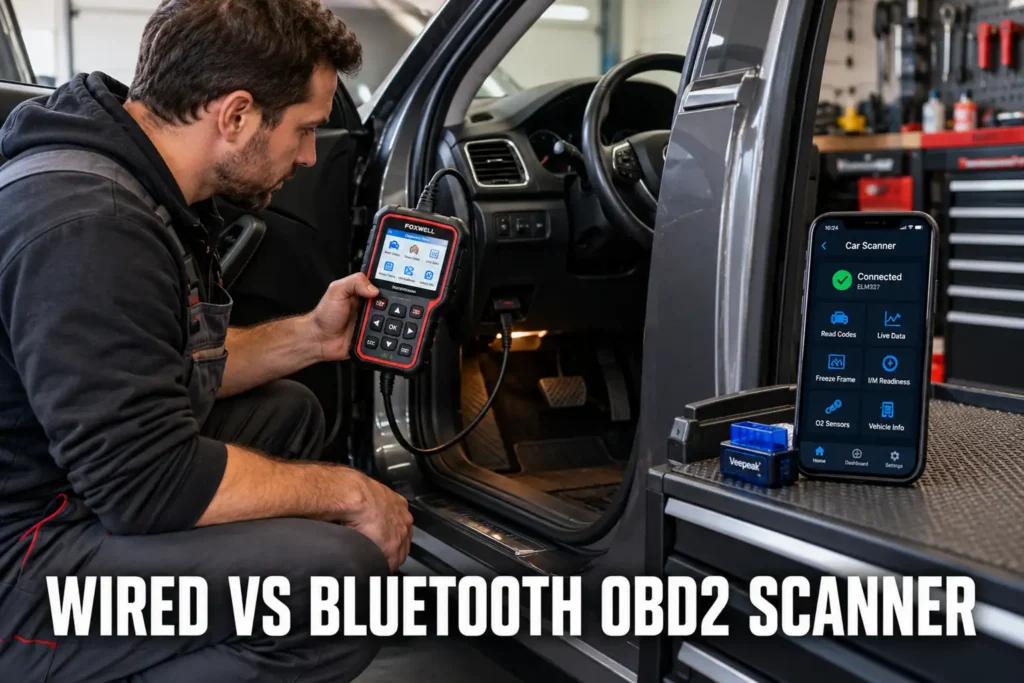
Wired vs Bluetooth OBD2 Scanner: Which Is Better
By Kamil Siegień / October 12, 2026
OBD2 scanners connect to the diagnostic port either through a direct cable to a handheld display unit, or through a Bluetooth or Wi-Fi wireless link to a smartphone, tablet, or laptop. Each connection method has genuine advantages and real limitations depending on how the scanner is used, where it is used, and what diagnostic tasks it needs to perform. The question is not which connection type is inherently superior, but which trade-offs make sense for the specific diagnostic work you do most often and the vehicle types you work on.
I explain this in more detail in my obd2 code reader vs scanner.
If you prefer a wireless setup, my top wireless scanner picks covers the best options.

About the author: Hello! I’m Kamil Siegień, founder of OBD2 Scout. My diagnostic experience started with an engine rebuild on a 2014 Skoda Superb 1.8 TSI, where tuning from 160 to 222 hp required mastering live data and ECU behavior that basic code readers cannot handle. I am a former BMW and MINI employee and regularly use diagnostic scanners on my own Audi A4 2.0 TFSI.
This guide covers how wired and wireless connections work and their technical differences, latency and data refresh rate differences, the practical advantages of each connection type, when Bluetooth adapters fall short for professional diagnostic tasks, what ELM327 adapters are and where their capabilities end, and how to choose between wired and wireless based on your actual use case.
My what is elm327 and what can it do covers this step by step.
iPhone users looking for a compatible scanner can check my best scanner apps for iPhone.
How Wired and Wireless Connections Work
A wired OBD2 scanner connects directly from the DLC to the scanner’s internal circuitry via the cable. All communication hardware (protocol chips, CAN transceivers, display controller) is contained in the scanner unit. The scanner processes all data internally and shows it on its own screen.
My obd2 diagnostic link connector dlc explained covers this step by step.
Ford owners looking for the right scanner should check my top-rated scanners for Ford.
A Bluetooth OBD2 adapter (such as an ELM327-based device) plugs into the DLC and contains the OBD2 interface hardware: a protocol chip that translates between the vehicle’s CAN (or other OBD2 protocol) and a serial AT command format, plus a Bluetooth radio that transmits this serial data to the connected device. The smartphone or tablet running the OBD2 app receives this serial data stream, parses it, and displays it. The adapter itself performs no analysis: it is a protocol translator and wireless transmitter. All diagnostic logic runs on the phone’s software.
Chevy owners looking for the right scanner should check my top Chevy scanner picks.
Wi-Fi OBD2 adapters work similarly but create a local Wi-Fi network instead of a Bluetooth connection. The connected device connects to this local Wi-Fi network rather than pairing via Bluetooth. Wi-Fi is technically slightly faster than Bluetooth for sustained data transfer, but in OBD2 diagnostic use, both are fast enough for live data polling at practical refresh rates.
Toyota owners looking for the right scanner should check my top-rated scanners for Toyota.
Latency and Data Refresh Rates
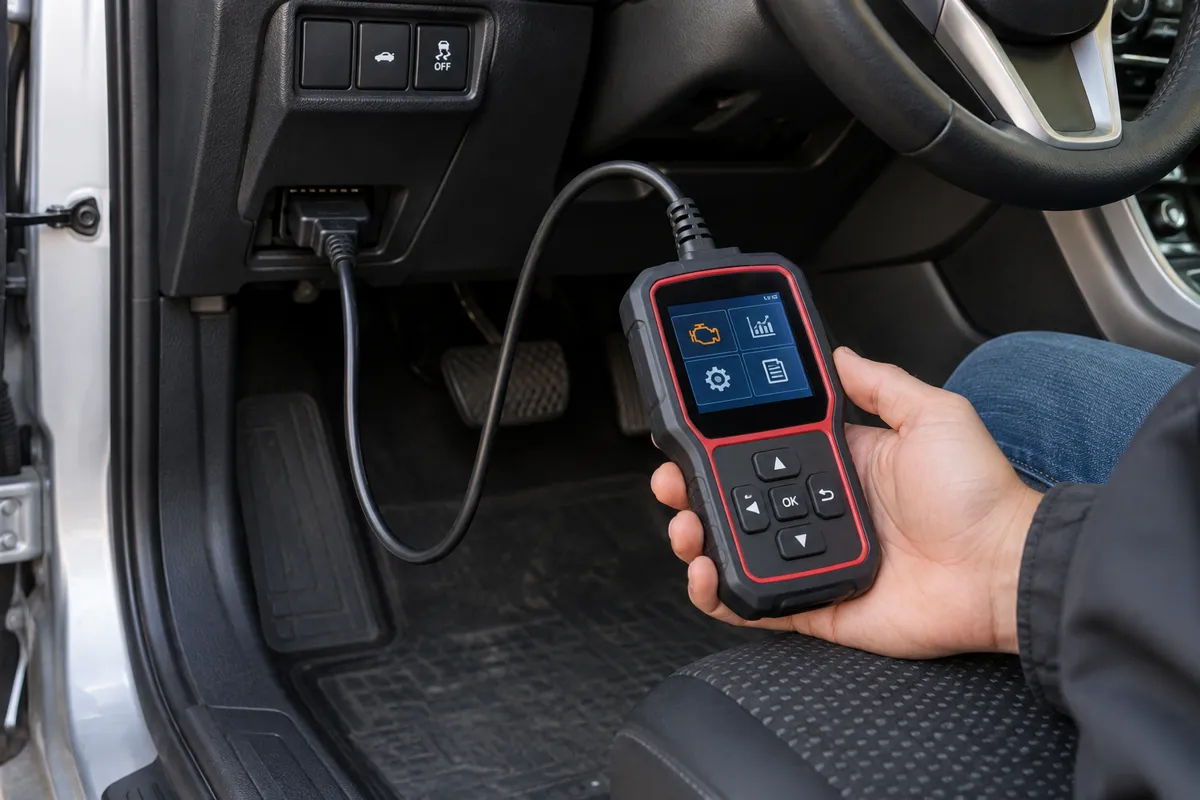
The data refresh rate in OBD2 live data determines how many times per second the scanner updates each displayed parameter. Higher refresh rates allow the scanner to capture fast-changing events (a sudden RPM spike, a brief O2 sensor voltage drop) that would be missed at lower refresh rates.
Mercedes owners looking for the right scanner should check my top Mercedes scanner picks.
A wired dedicated scanner communicates directly over the vehicle’s CAN bus without additional protocol translation overhead. High-quality scanners achieve refresh rates of 5 to 10 times per second per parameter, with some professional scanners reaching 20 times per second or more on CAN vehicles when polling a single parameter.
Honda CR-V owners can find the right scanner in my top diagnostic tools for the CR-V.
A Bluetooth ELM327-based adapter introduces latency at two points: the ELM327 chip’s processing time for each OBD2 request-response cycle, and the Bluetooth transmission time. The ELM327 chip polls one PID at a time in sequence (it cannot poll multiple PIDs simultaneously): if the app requests 10 parameters, the adapter cycles through all 10 sequentially before returning to the first. The effective update rate per parameter drops with the number of parameters being monitored. Monitoring 10 parameters simultaneously on an ELM327 adapter may result in each parameter updating only once every two to three seconds rather than the 5 to 10 times per second a wired scanner achieves on the same 10 parameters.
For a professional-grade tool, my top pro-level scanners covers the top options.
This refresh rate difference matters for diagnosing fast events: a brief misfire, a momentary lean spike, or a throttle position hesitation that lasts under one second may be invisible on a low-refresh-rate Bluetooth adapter but clearly visible on a wired scanner that captures data faster.
Audi owners looking for the right scanner should check my top Audi scanner picks.
Practical Advantages of Wired Scanners

Wired dedicated scanners offer: faster refresh rates, no pairing required, no battery drain on the phone or tablet, consistent connectivity that does not depend on Bluetooth reliability, and self-contained operation (the scanner works independently without needing a phone, tablet, or app). They are more reliable in professional workshop environments where multiple Bluetooth devices may interfere, and they typically offer better integration with the scanner manufacturer’s service function database for bidirectional tests and reset procedures.
Audi Q8 owners can find the right scanner in my top diagnostic tools for the Q8.
For demanding diagnostic tasks (active tests, service function procedures, module coding, ECU programming via J2534), wired connections or proprietary hardware interfaces are required. Bluetooth ELM327 adapters do not support bidirectional service functions on most vehicles: the ELM327 chip architecture is designed for read-only OBD2 data access and does not support the command-and-response sequences that service functions require.
My what is ecu coding when does it need to be done covers this step by step.
My a j2534 pass thru device explained covers this step by step.
My a bidirectional obd2 scanner explained covers this step by step.
Audi Q7 owners can find the right scanner in my best scanners for the Q7.
Practical Advantages of Wireless Adapters
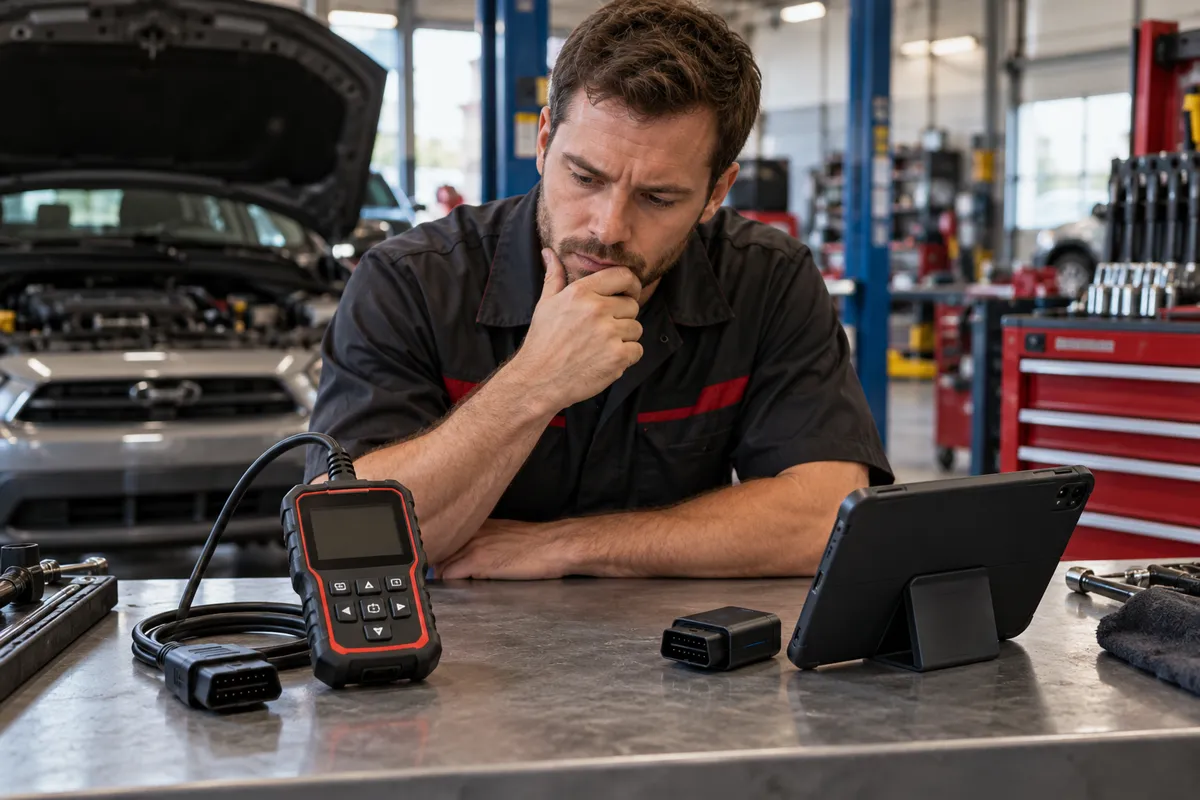
Bluetooth and Wi-Fi adapters offer: smaller physical size (a small dongle that stays in the DLC inconspicuously during long drives for data logging), no cable to manage, the ability to use a full-sized smartphone or tablet screen for graphing and display, software updates through app store rather than scanner firmware updates, and lower upfront cost for basic OBD2 code reading and live data on a personal vehicle. For continuous data logging during a drive cycle, a Bluetooth adapter that stays connected in the DLC while a phone logs data is more convenient than holding a wired scanner in the passenger seat.
My beginners guide reading obd2 data covers this step by step.
My how to update obd2 scanner firmware covers this step by step.
Honda owners looking for the right scanner should check my top Honda scanner picks.
Apps for OBD2 Bluetooth adapters (Car Scanner, OBD Fusion, Torque Pro) provide sophisticated graphing, data recording, and report export features that many dedicated handheld scanners do not match in their display capability. For a personal vehicle owner who primarily reads codes and monitors fuel trim and sensor data, a quality Bluetooth adapter paired with a good app on a modern smartphone is a capable and cost-effective solution.
I cover this capability in more detail in my OBDLink MX+ breakdown.
Where Bluetooth ELM327 Adapters Fall Short
ELM327-based Bluetooth adapters have fundamental limitations beyond the refresh rate issue. They access only standard OBD2 Mode 01 through Mode 09 parameters: no enhanced codes from non-OBD2 modules, no ABS codes, no airbag codes, no transmission codes from the TCM directly, and no bidirectional service functions. Budget ELM327 clones (priced under $10 to $15) often use unauthorized ELM327 chip emulators that implement only a subset of the ELM327 command set, resulting in connection failures on certain vehicles, missing PIDs, and incorrect data on others.
My airbag srs codes explained covers this step by step.
My my guide on reset transmission adaptations covers this step by step.
I cover this capability in more detail in my BlueDriver Pro deep dive.
Professional Bluetooth adapters (Veepeak, BAFX, OBDLink MX+, Carista) use quality chips and implement the full OBD2 protocol correctly. OBDLink MX+ specifically supports some enhanced protocol access for specific makes beyond standard OBD2, making it more capable than typical ELM327 clones. But even the best consumer Bluetooth OBD2 adapter does not replace a mid-range professional wired scanner for service functions, full system scans, and enhanced code access.
My a full system scan obd2 scanner explained covers this step by step.
BMW owners looking for the right scanner should check my top BMW scanner picks.
Choosing by Use Case
For a personal vehicle owner who checks codes occasionally, monitors fuel trim to investigate a CEL, and wants a small tool that stays in the glove box: a quality Bluetooth adapter (OBDLink MX+ or Veepeak OBDCheck BLE for iOS, or a quality ELM327 Bluetooth Classic adapter for Android) paired with an app like Car Scanner or OBD Fusion provides sufficient capability at a fraction of the cost of a dedicated scanner. The phone’s screen is large, graphing is capable, and the adapter fits in a pocket.
I explain this in more detail in my can you drive with check engine light on.
For a DIY mechanic who works on multiple vehicles and needs to perform service resets (oil life, EPB, SAS, TPMS relearn), reset ADAS systems, or diagnose transmission and ABS codes: a wired mid-range dedicated scanner (Launch CRP, Autel AL or MK series, Innova PRO) is the better choice. These scanners perform service functions, read enhanced codes from body and chassis modules, and offer vehicle-specific live data that a Bluetooth adapter cannot access.
I explain this in more detail in my my guide on use an.
For a professional shop environment: a professional-grade wired scanner (Autel MaxiSYS, Launch X431, Snap-on) with full bidirectional capability and programming support is the correct tool. Bluetooth ELM327 adapters are not professional diagnostic tools and do not belong in a professional diagnostic workflow for anything beyond a quick personal reference check. The connection type is less important in this category than the scanner’s software database depth and its coverage of enhanced functions for the makes being serviced.
I explain this in more detail in my my guide on check used car.
For scanner recommendations to perform this type of work, see my best diagnostic scanners.
FAQs
Can a Bluetooth OBD2 scanner do the same thing as a wired scanner?
For standard OBD2 code reading, freeze frame viewing, and basic live data monitoring, a quality Bluetooth adapter with a good app performs comparably to a basic wired code reader. For service functions (oil reset, EPB service, SAS calibration), enhanced codes from non-OBD2 modules (ABS, airbag, transmission), full system scans, and active bidirectional tests, only a wired scanner with the appropriate enhanced coverage can do the job. The Bluetooth adapter is a better tool for basic monitoring and personal vehicle use; the wired scanner is necessary for professional diagnostic depth.
Is the OBDLink MX+ the best Bluetooth OBD2 adapter?
The OBDLink MX+ is widely considered the best consumer Bluetooth OBD2 adapter for standard OBD2 use due to its quality hardware, reliable CAN connectivity, and support for some enhanced protocols beyond standard OBD2 (including FCA SCI for Chrysler/Dodge/Jeep and GM SW-CAN/MS-CAN). For purely standard OBD2 use, the performance difference between the OBDLink MX+ and a significantly cheaper BAFX or Veepeak adapter is modest. The MX+ justifies its price on Chrysler, GM, and Ford vehicles where its enhanced protocol support accesses data unavailable on generic ELM327 adapters.
Will a Bluetooth OBD2 scanner drain my car battery?
A Bluetooth OBD2 adapter left plugged in with the ignition off draws a small amount of power from the DLC’s permanent 12V supply (pin 16, which is live whenever the battery is connected). Most adapters draw 50 to 100 mA in standby mode. This is enough to drain a battery over 1 to 2 weeks if the vehicle is not driven. Unplugging the adapter when parking for extended periods or using an adapter with a sleep/wake mode that reduces standby current prevents battery drain. The adapter is not damaging the vehicle: it simply places a small parasitic load that matters only when the vehicle sits unused for an extended time.
Can I use a Bluetooth adapter on an iPhone?
iOS devices only support Bluetooth Low Energy (BLE) OBD2 adapters for most apps, because Apple restricts direct Bluetooth Classic (SPP) access on iOS without a specific Apple certification. Standard ELM327 adapters use Bluetooth Classic and are typically not directly compatible with iOS via Bluetooth. The alternative is Wi-Fi OBD2 adapters: a Wi-Fi adapter creates a local Wi-Fi network that an iPhone can join through the Wi-Fi settings. OBD2 apps on iOS (OBD Fusion, Car Scanner) support Wi-Fi adapters. Some OBDLink adapters (MX+) include Bluetooth Low Energy support specifically for iOS compatibility.